Mclennan - Advanced Motion Control Technology
Mclennan has been a leading supplier of precision motion control products for over 40 years.
We have a commitment to technical excellence and customer service and adopt a partnership approach to business. We offer our customers a professional specification and design service, backed up with qualified and experienced technical sales and applications support staff..
We supply many customers who use our products for general motorisation and for process automation, but are especially adept at developing sophisticated solutions to complex motion control problems in niche markets such as Medical, Instrumentation, Laboratory equipment, Scientific Research and Vacuum Science.
Our focus is on miniature and medium-power applications, (generally sub-500W), but motors up to 3kW are available. We have a large commitment to stock allowing us to respond quickly to customer needs, so JIT deliveries and KANBAN systems can be easily catered for. This activity supports our LEAN customers and manufacturers alike providing the necessary buffers a reliable supply chain needs.
Featured Products
KINCO GH070E 7
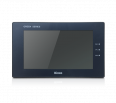
On more and more applications, customers desire an HMI interface for controlling systems. For this reason Mclennan offers the highly reliable Kinco HMI 7". ...
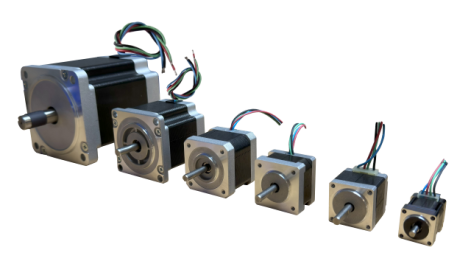
View product08MSM - Nema8 Hybrid Stepper Motor, High Torque, 2phase, 1.8°
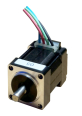
Introducing the 08MSM NEMA 8 Stepper Motor Upgrade your motion control systems with the compact yet powerful 08MSM NEMA 8 stepper motor. Designed for ...
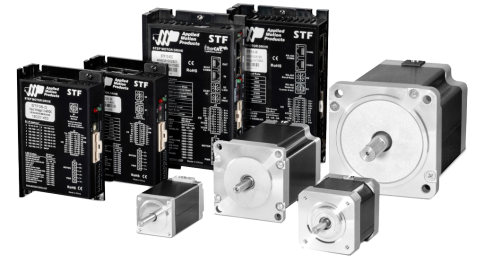
View productSTF10 - DC Advanced Microstep Drive w/ Multi Fieldbus options
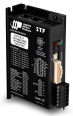
The STF10 stepper drive is a DC-powered microstepping drive for controlling two-phase, bipolar step motors. It offers advanced current control and an anti-re...
View product23MSM - NEMA 23 Hybrid Stepper Motor, High Torque, 2phase, 1.8°
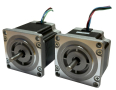
Upgrade your stepper motor experience with our 23MSM series - meticulously engineered to deliver higher torque and precision. Ideal for a myriad of applicat...
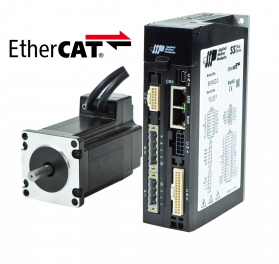
View productMDXL62GN3 - Integrated Servo Motor, 400 W, IP65 Rated
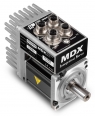
MDX Integrated Servo Motors combine the high torque-density, low rotor-inertia design of J Series servo motors with the all-digital servo drive technology o...
View product17MSM - Nema17 Hybrid Stepper Motor, High Torque, 2phase, 1.8°
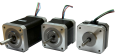
The 17MSM NEMA 17 stepper motor delivers higher torque with its 2-phase, 1.8° step angle design. Engineered for precision and reliability, it offers versati...
View product11MSM - Nema11 Hybrid Stepper Motor, High Torque, 2phase, 1.8°
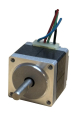
Welcome to McLennan's 11MSM03 Series of stepper motors, designed to provide precise and reliable performance for your motion control needs. With a focus on ...
View product14MSM - Nema14 Hybrid Stepper Motor, High Torque, 2phase, 1.8°
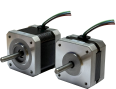
Introducing the 14MSM NEMA 14 stepper motor series by McLennan, engineered to deliver higher torque and precision for your motion control needs. With a two-...
View product34MSM - Nema34 Hybrid Stepper Motor, High Torque, 2 phase, 1.8°
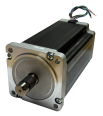
Upgrade your industrial automation systems with our 34MSM series, delivering unparalleled torque and precision. Designed for heavy-duty applications, these ...
View product